
DoorBird Manager: every intercom event kept, and the report that sends itself
DoorBird Manager stores the complete history from your DoorBird intercoms — doorbell, keypad, RFID and motion events — and emails scheduled activity reports to owners and property managers. Share read-only access with anyone who needs the record, without handing over your logins.
$20 per device / month · history, reports and manager sharing included.
DoorBird tells you what is happening now. DoorBird Manager keeps it.
Your intercoms fire all day: a delivery at the front door, a tenant entering a keypad code, a motion trigger at 2am. The events are useful in the moment and impossible to produce later — which is exactly when an owner, a resident or an insurer asks for them.
Without a reporting layer
- Events live in the DoorBird app on one manager's phone
- No long-term record when an owner or resident asks months later
- Screenshots are the only way to share what happened
- A device that stops reporting goes unnoticed
With DoorBird Manager
- A permanent history for every device and every source
- Scheduled reports emailed to owners and property managers
- Read-only access for the people who need the record
- Devices that go quiet flagged automatically
Complete event history
Every event, kept — not lost on someone's phone
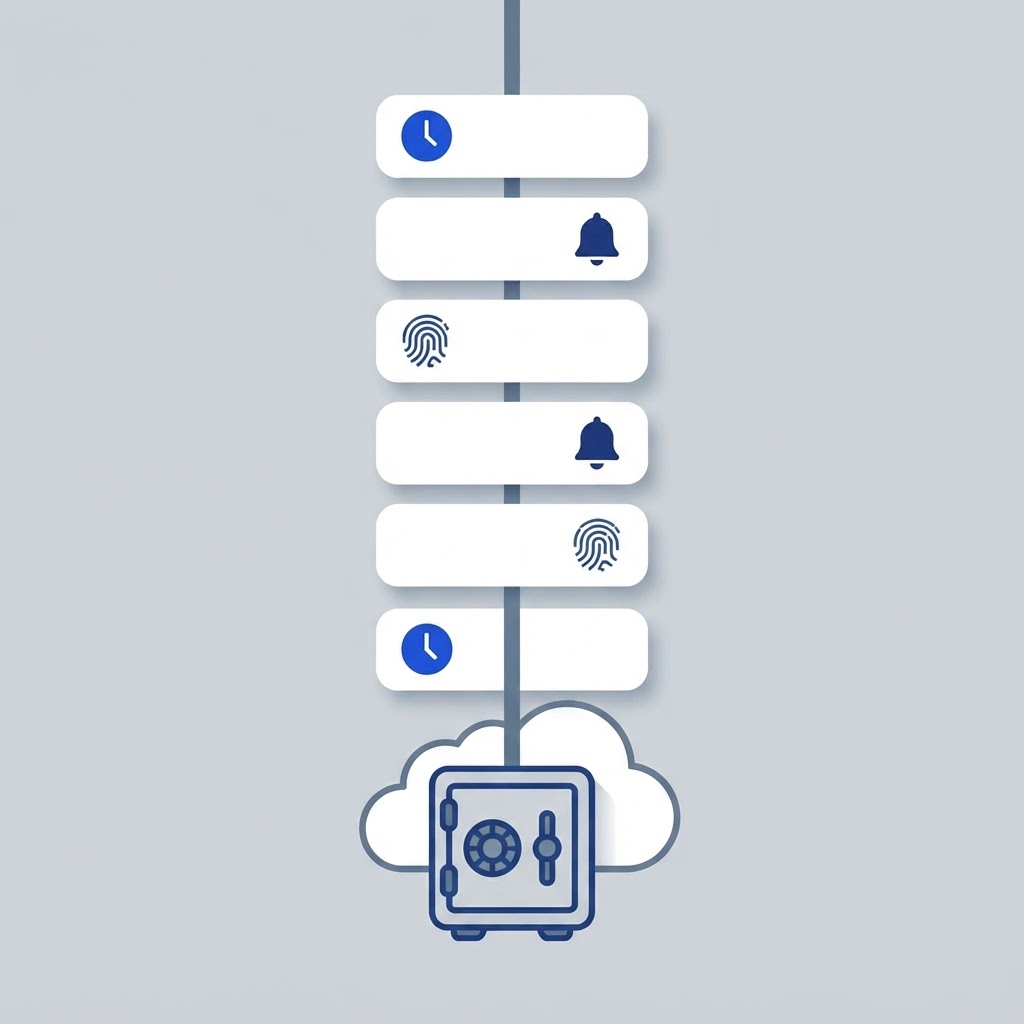
DoorBird Manager stores each event the moment your intercoms report it: doorbell calls, keypad and RFID entries, relay releases and motion, each with the device it came from, the source it is assigned to, the property and the exact time. Filter by event type, device or date range and the answer to "what happened at the building last Tuesday" is right there.
- Doorbell, keypad, RFID, relay and motion events stored permanently
- Bursts and repeated requests merged, so one visitor is not five events
- Per-device health — active, quiet or silent — so a dead intercom stands out
- Unrecognized keypad and bell sources flagged instead of silently ignored
Automated email reports
The activity report that sends itself
Set up a daily, weekly or monthly report and it is emailed to the people who need it — owners, board members, your on-site team — at the hour you choose, in the property's own timezone. Every report carries the period totals, the activity trend, the breakdown by event type, device and source, and the recent event log, wearing your logo and colours.
- Daily, weekly or monthly delivery at the hour you set
- Totals plus by-type, by-device and by-source breakdowns and recent activity
- Your logo, accent colour and footer note on every email
- One report per property, or a single report across the whole portfolio

Sharing between managers
Give another manager the record, not your logins
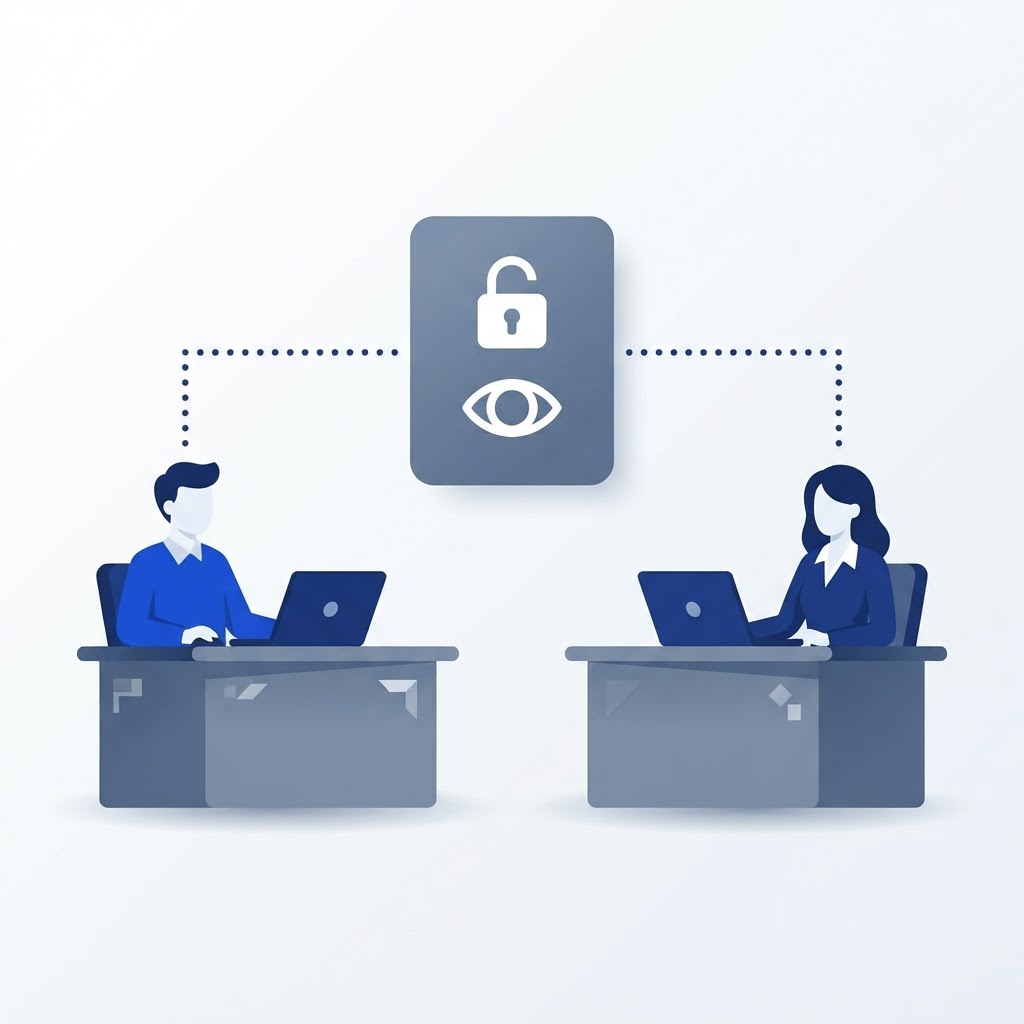
Invite a property manager, an owner or your front desk as a read-only viewer. They see the event history and the report log for the account — nothing to install, no DoorBird credentials, and no way to change a device. Every invitation and every removal is recorded, so you always know who had access and when.
- Read-only access to the event history and the reports
- Invited by email — they keep their own login
- Access revoked in one click, with the full sharing history kept
- Works for a whole portfolio or a single property
How it works
Live in three steps, with the setup done for you
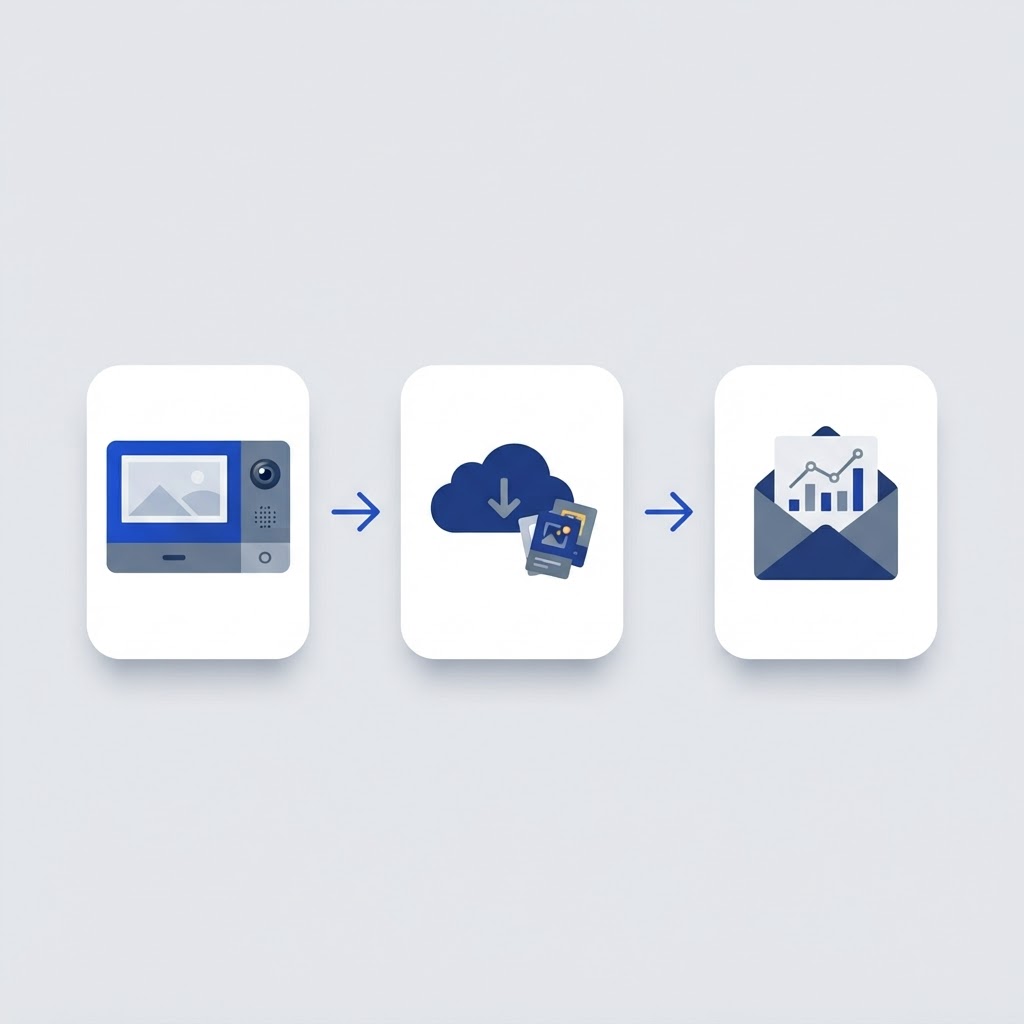
DoorBird Manager sits alongside the devices you already own. We handle the device configuration, so there is nothing for your team to install.
We add your properties and devices
Each DoorBird intercom gets its own event address in DoorBird Manager, wired into the device's call and motion settings by our team. You send us the model list; we do the configuration.
Every event lands in the history
Doorbell, keypad, RFID and motion events stream in and are merged and labelled by source — Unit 4B, Front entrance, Garage — with device health tracked as they report.
Reports go out, your team gets access
Schedule the emailed report, invite the managers and owners who need the record, and let the history build itself week after week.
Pricing
One price per device
One price per DoorBird device covers the full event history, the automated email reports and read-only access for the managers and owners who need the record.
Billed per DoorBird device on the account. Tell us your device count and we will confirm the monthly total for your portfolio.
- Complete event history for every DoorBird device
- Automated daily, weekly or monthly email reports
- Read-only sharing with managers, owners and front desk
- Device setup and event configuration handled by ACP
DoorBird Manager questions, answered
Do we need new hardware?
No. DoorBird Manager works with the DoorBird intercoms you already have, from the D1101 range through the D2101 and D21DKV panels to BirdGuard. We add a private event address to each device and the history starts building from that moment.
Where does the event history actually live?
In your DoorBird Manager account, not on a phone. Every event is stored with its device, source, property and timestamp and stays there, so months later you can still produce the record for an owner, a resident or an insurer.
What does it cost?
Twenty dollars per device per month. That one price covers the event history, the automated email reports and read-only sharing with your managers and owners. Tell us your device count and we will confirm the monthly total.
Can another manager see the history without my login?
Yes. Invite them by email as a read-only viewer: they see the event history and the reports for the account only, they keep their own login, and you can revoke access at any time — with the sharing history showing who had access and when.