
Fundamentals of Fiber Optic Cabling for Modern Networks
This lesson explains fiber optic basics, including cable types and distance limitations, to help you make accurate infrastructure recommendations for your clients.
Why this matters
If you propose copper cabling for a project that requires long-distance transmission, the network will fail to establish a link entirely, causing significant downtime and expensive replacement costs for the client. Misunderstanding the physical constraints of data transmission media leads to flawed architectural designs that damage our reputation as technical consultants and burden our logistics teams with unnecessary product returns.
The core idea
Fiber optic cabling is a technology that transmits data as pulses of light through a thin strand of glass or plastic, known as the core. Unlike copper cabling, which uses electrical signals that are susceptible to electromagnetic interference and signal degradation over distance, fiber optics offer incredible speed and distance capabilities because light is not subject to the same resistance as electricity. There are two primary types of fiber: Single-mode and Multi-mode.
Single-mode fiber has a very small core and uses a laser light source, allowing it to carry signals over much longer distances—sometimes tens of kilometers—with minimal data loss. Multi-mode fiber has a larger core and typically uses LED or laser light sources, making it cost-effective for shorter distances, such as within a single data center or between floors in an office building. Understanding the distinction between these two, and how they contrast with traditional copper Ethernet, is the foundation of network infrastructure design.
How it works in practice
In our industry, we follow the 100-meter rule for copper Ethernet, which dictates that Category 5e, 6, and 6A cables are strictly limited to a maximum length of 100 meters, including patch cables. When you design a network, you must verify the physical distance between your endpoints using architectural floor plans or laser rangefinders. If the path distance exceeds 100 meters, fiber is mandatory. For inter-building links, we typically specify OS2 single-mode fiber patch cords or armored outdoor-rated cables. When selecting fiber for a client, you should refer to documentation such as the TIA-568 standard.
We frequently utilize brands like Corning or Leviton for bulk fiber and pre-terminated assemblies. Always verify if the client's transceivers support 1G, 10G, or 100G speeds, as this will dictate whether you select OM3, OM4, or OS2 grade fiber. For installation, keep in mind that fiber is fragile; it requires specialized cleaning tools, such as fiber inspection microscopes and click-style cleaners, to ensure the end-faces are free of dust, which is the leading cause of signal attenuation in the field.
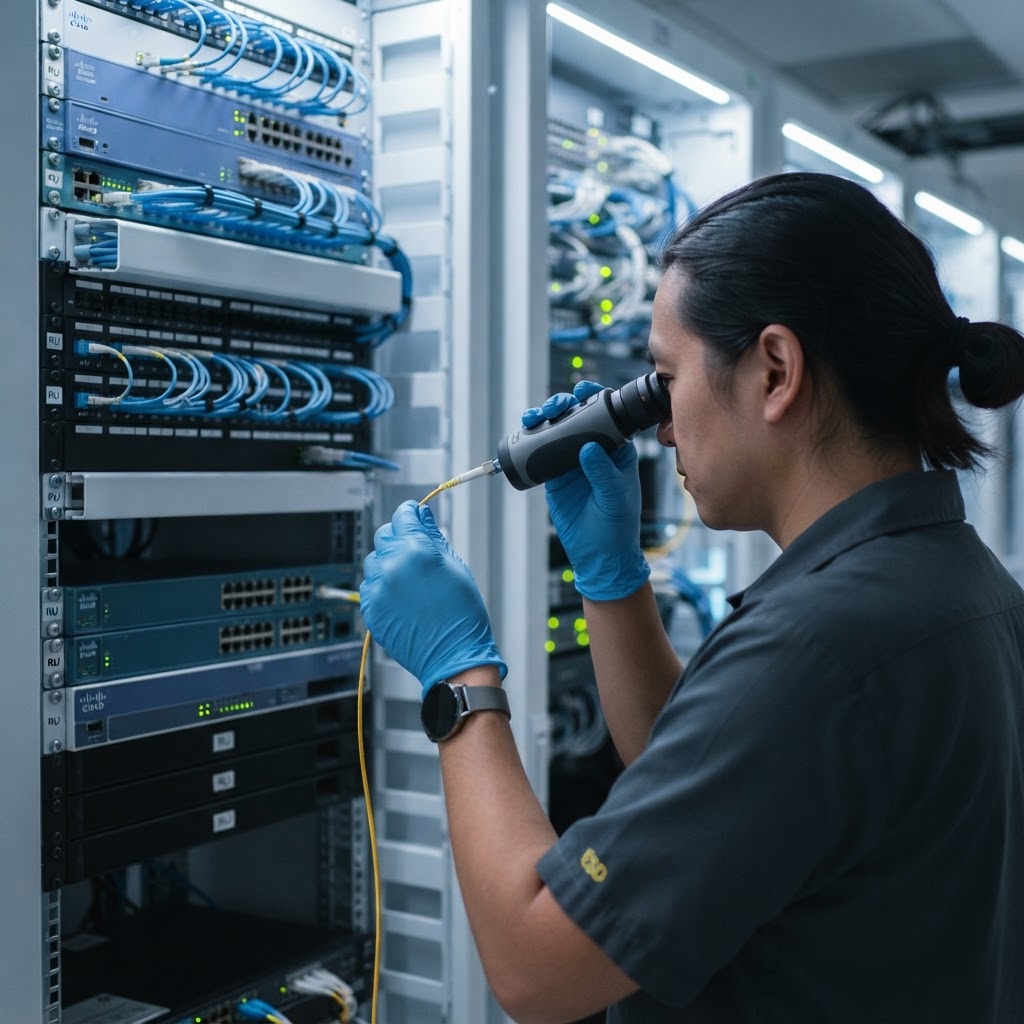
Regular inspection of fiber connectors ensures data integrity and prevents signal loss in high-speed network environments.
Worked example
A client calls requesting a quote for a bridge connection between their main office and a warehouse located 800 meters away. A salesperson who lacks technical training might quickly suggest a high-end Cat6A cable because it is shielded and supports 10G speeds, assuming that quality equates to distance. This leads to the customer installing the copper run, only to find the link lights on their switches remain dark because the electrical signal cannot travel that far. A corrected approach involves you asking for the precise site map.
Upon confirming the 800-meter distance, you explain to the client that copper is physically unable to support this run. You instead specify a single-mode fiber optic cable, discuss the requirement for media converters or SFP modules to bridge the connection to their switches, and provide a solution that is durable, future-proof, and capable of high bandwidth. The client avoids a wasted investment, and you have successfully acted as a trusted advisor.
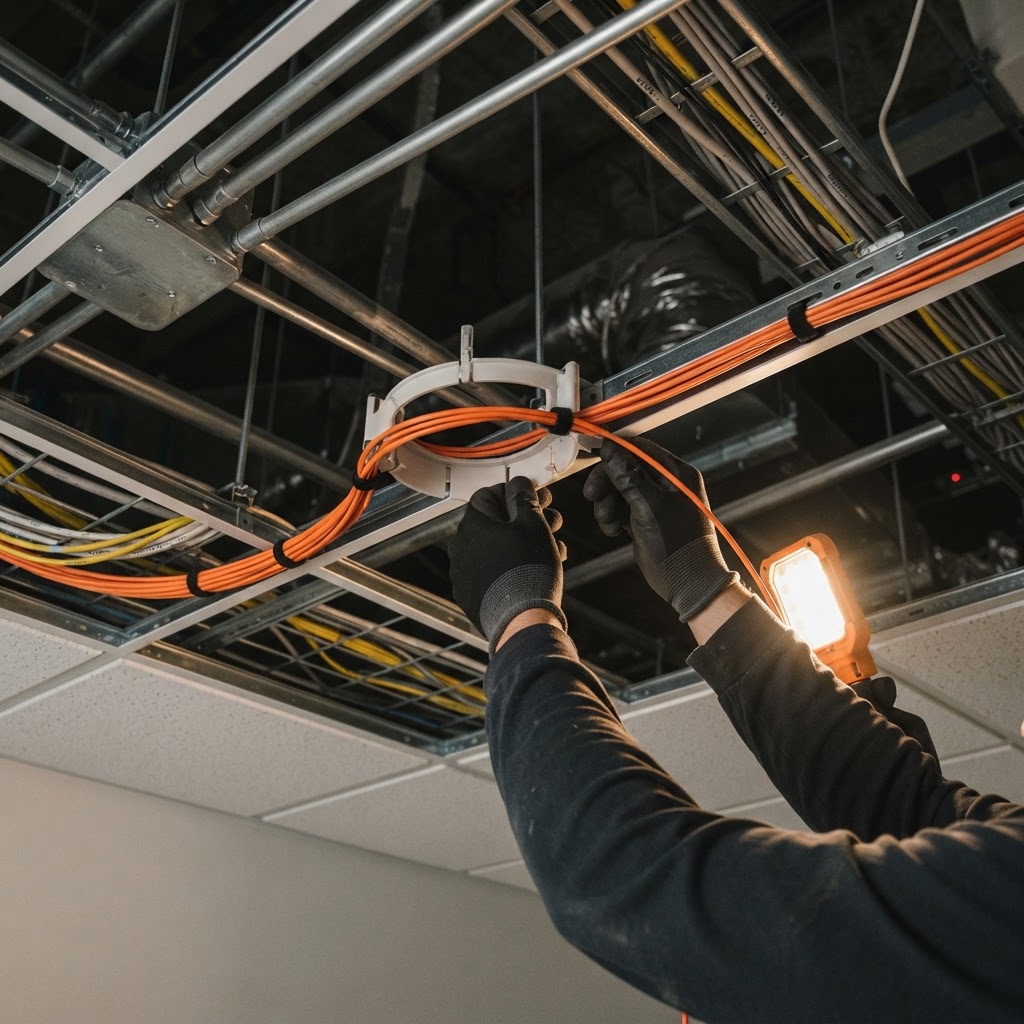
Maintaining a proper bend radius is crucial to protect the delicate glass core from signal-degrading fractures.
Where people go wrong
The most frequent error is assuming that the bandwidth capability of a cable dictates its maximum distance. Many technicians confuse 10G speeds with the physical reach of the medium, thinking that if a cable handles 10G, it can reach any distance. As established, copper is limited to 100 meters regardless of its speed rating. The second mistake is failing to account for the bend radius of fiber optic cable. Unlike copper, which can be kinked or tightly coiled, fiber optic glass can shatter or suffer from macro-bending, which causes signal loss. Always follow manufacturer specifications for bend radius.
Finally, technicians often forget the environment. Fiber used for outdoor inter-building runs requires a different jacket rating, such as OSP (Outside Plant) grade, compared to the plenum-rated cables used inside office ceilings. Using the wrong jacket rating can lead to code violations and premature cable degradation due to moisture or UV exposure.
Key takeaways
- Always treat 100 meters as the absolute maximum physical length for any copper-based Ethernet link.
- Use single-mode fiber for any run exceeding 500 meters, as it provides the most reliability for long-distance building-to-building connectivity.
- Always confirm the environment of the installation to ensure you are recommending the correct jacket rating, such as Plenum for indoor air-handling spaces or OSP for outdoor runs.
- Remember that fiber optic connections require clean end-faces to function; always include cleaning supplies in your hardware quotes.
- When in doubt about distance or bandwidth, consult the TIA-568 standards documentation before finalizing your product recommendations.