
Mastering Network Routing: Connecting Subnets
Misunderstanding the fundamental role of a router leads to improperly architected networks that suffer from complete isolation between departments.
Why this matters
Misunderstanding the fundamental role of a router leads to improperly architected networks that suffer from complete isolation between departments. When you fail to identify the correct device for inter-subnet communication, you provide inaccurate technical recommendations that result in failed deployments and frustrated customers who cannot share resources across their office environment.
The core idea
To understand modern networking, you must differentiate between Layer 2 and Layer 3 of the OSI model. A switch operates at Layer 2 (Data Link Layer) and is responsible for connecting devices within the same local network or broadcast domain. It uses MAC addresses to deliver data frames to specific ports. A router, however, operates at Layer 3 (Network Layer) and acts as the gatekeeper between different networks or subnets. A subnet is a logically visible subdivision of an IP network.
When you want traffic to leave one specific IP range—for example, the accounting department's private network—and reach another, such as the guest Wi-Fi or the sales team's subnet, that traffic must pass through a router. Routers maintain a routing table, which is a set of rules that tells data packets the most efficient path to reach their destination network. Without a router, your subnets are essentially islands that have no bridge to the outside world or to each other.
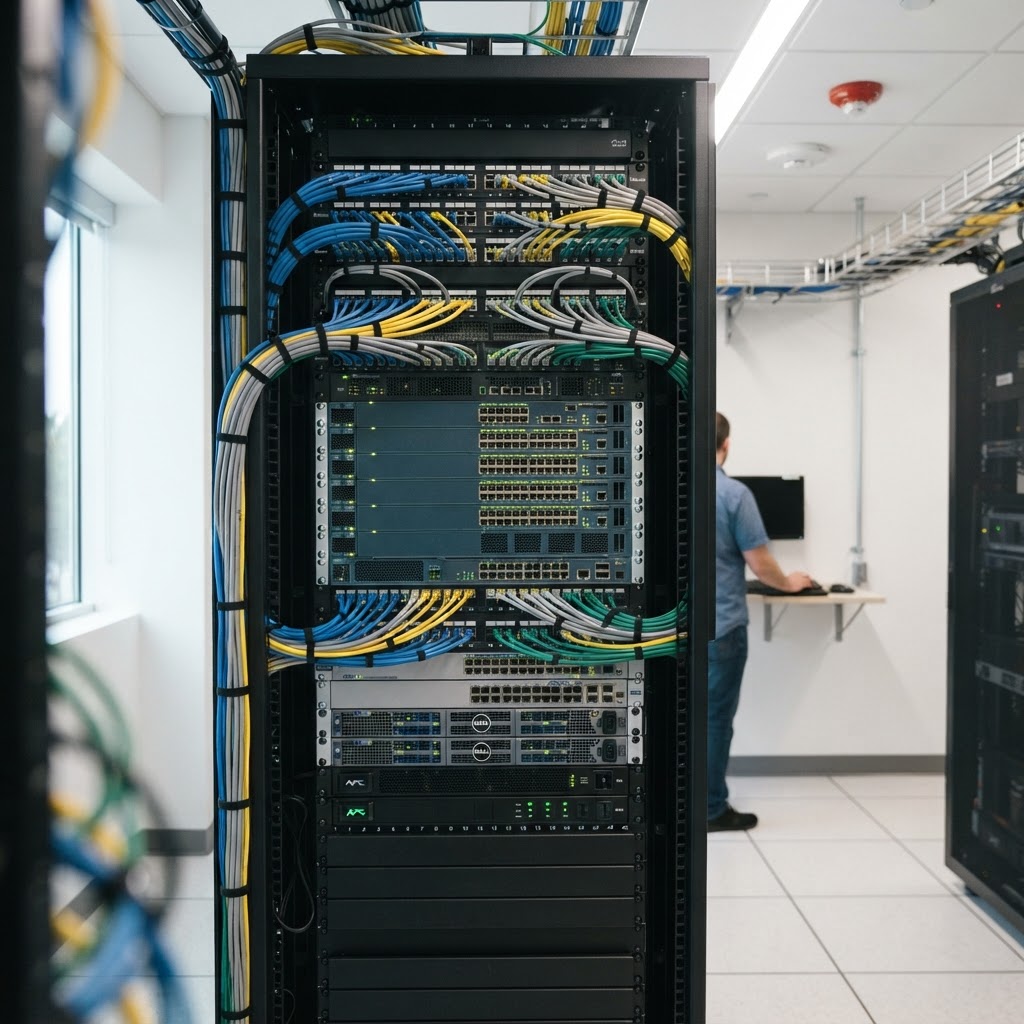
A centralized router serves as the critical gateway that allows different office subnets to communicate with each other.
How it works in practice
In our product catalog, you will see professional-grade hardware like Cisco Catalyst or Meraki MX series devices. When a customer defines a network, they are setting up Layer 3 interfaces on these routers to serve as the default gateway for each subnet. For instance, if you have a subnet for voice traffic (VLAN 10) and a subnet for data traffic (VLAN 20), the router must have a sub-interface or a virtual interface configured for each VLAN. This is often called inter-VLAN routing. In a standard office setup, you might use a Cisco Meraki MX85.
When the user on the data subnet sends a print command to a printer on the voice subnet, the request travels to the switch, which realizes the destination is not in its local table. The switch forwards that request to the router's interface. The router inspects the destination IP address, checks its internal routing table to confirm it has a path to the voice subnet, and forwards the packet accordingly.
Our technical specifications for these routers always include 'routing throughput' and 'inter-VLAN routing capacity,' which are the metrics that tell us how many megabits per second the device can handle while moving traffic between these segments.
Worked example
A customer calls in agitated because their new finance subnet cannot communicate with the main server room. You initially assume it is a faulty cable and suggest they replace the patch lead between the switch and the server, but the problem persists. You are focusing on Layer 2 connectivity, assuming the devices are just 'not talking' because of a physical issue. This is the wrong approach. The correct handling involves checking the customer’s configuration. You ask them to identify the IP address of the gateway configured on the finance workstations. You then verify if the router's interface for that subnet is active.
You discover that while the switch is correctly passing traffic, the router has not been configured with a default route or a static route to the server room's subnet. By pointing the customer to the router's interface configuration page and ensuring the subnets are permitted to route to one another through an access control list, you resolve the traffic blockage immediately. The router was the bottleneck, not the physical cabling.

Correctly configuring routing tables on a network device is essential for resolving connectivity issues between departmental subnets.
Where people go wrong
First, many associates assume a switch can do everything. While Layer 3 switches exist, they are complex, and in most small to medium business environments, the router remains the primary device responsible for logical isolation and routing. Relying on a switch to manage subnets often leads to security vulnerabilities. Second, failing to confirm the default gateway on client devices is a common trap; if the device does not know where the router is, it cannot initiate communication with another subnet. Third, people often confuse port-based VLANs with routing.
Being on the same switch does not mean devices are on the same subnet; they remain logically separated until the router processes the traffic. Always verify the IP scheme of the end devices before troubleshooting the switch ports.
Key takeaways
Switches connect devices within a single network; routers connect different networks or subnets together. If you need to route traffic between two distinct IP ranges, a Layer 3 router is the required hardware. Always verify the default gateway settings on endpoints when troubleshooting communication failures. Routers use routing tables to make decisions, not MAC address tables like switches. When in doubt, clarify if the customer is trying to bridge subnets or simply expand their port density.